
AI video generator / For Android
Website concept art / 001Clips AI
A little idea.
An entirely new world.
Turn a thought or a photo into a moving story.
Your imagination is a good place to start.
01 / The inspiration reelWhere would you
Where would you
take the story?
An unexpected place. A familiar face.
A world made from something new.
Every scene starts with a possibility.
After hours
Everyday cinemaA world of paper
Small wondersOriginal website concept art. Not videos or results generated by Clips AI.
02 / Make a sceneTwo ways in.
Two ways in.
One moving story.
No idea is too small to begin.
Start with a thought, or start
with something you already see.
A sentence can be a scene.
Describe a subject, a place and a little movement. Use text-to-video in Clips AI to explore what your idea could become.
Explore in Clips AIA little inspiration
A silver train glides through a forest after the rain. Sunlight falls between the trees. The camera follows the train, slowly and quietly.
Keep the first idea focused. One clear action gives your story a place to begin.
01
Find the spark.
A memory, a place, a mood. Choose one idea you want to explore.
02
Make it move.
Open Clips AI and try text-to-video or photo animation.
03
Make it yours.
Review your creation, explore another direction, and share thoughtfully.
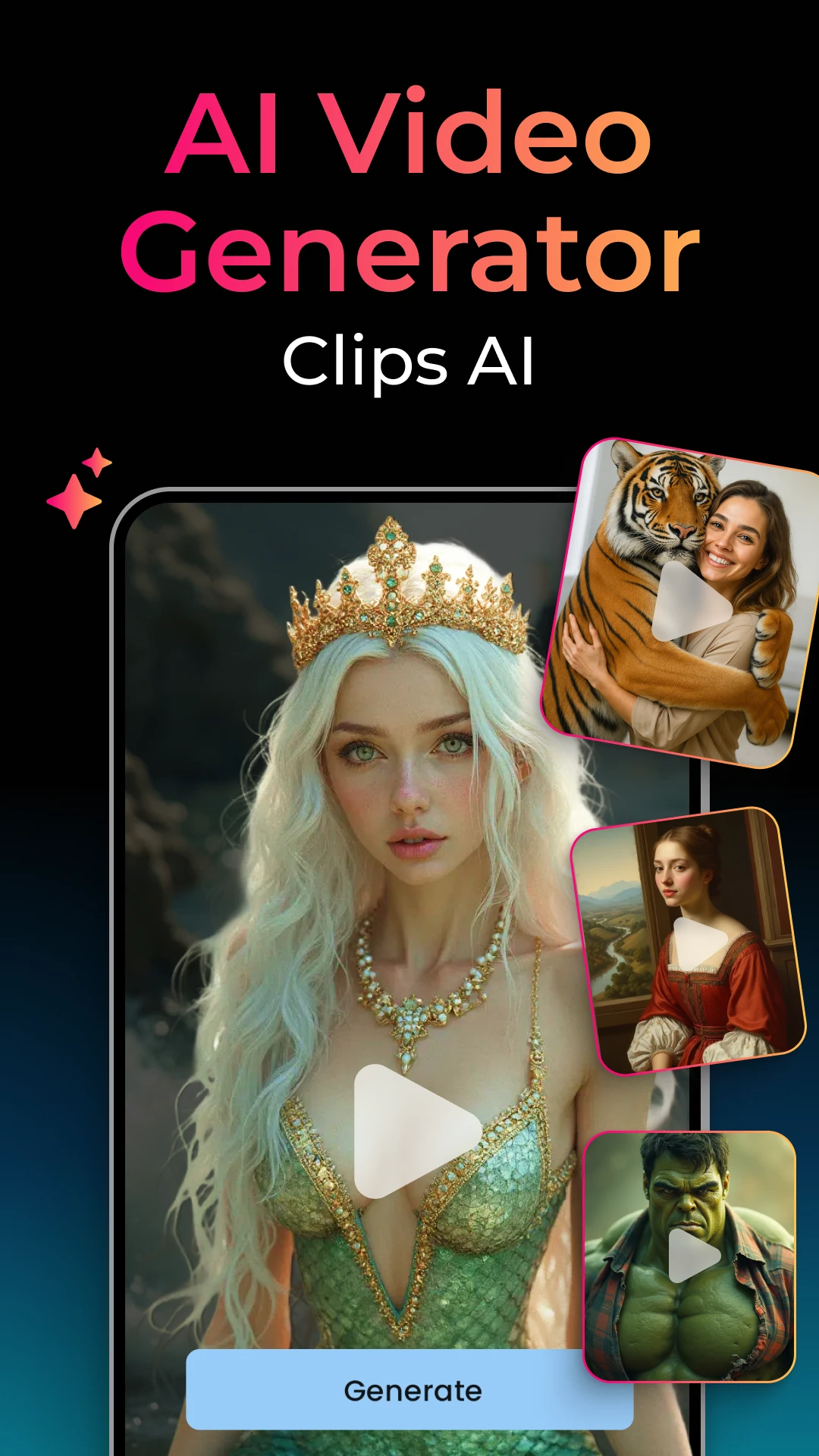
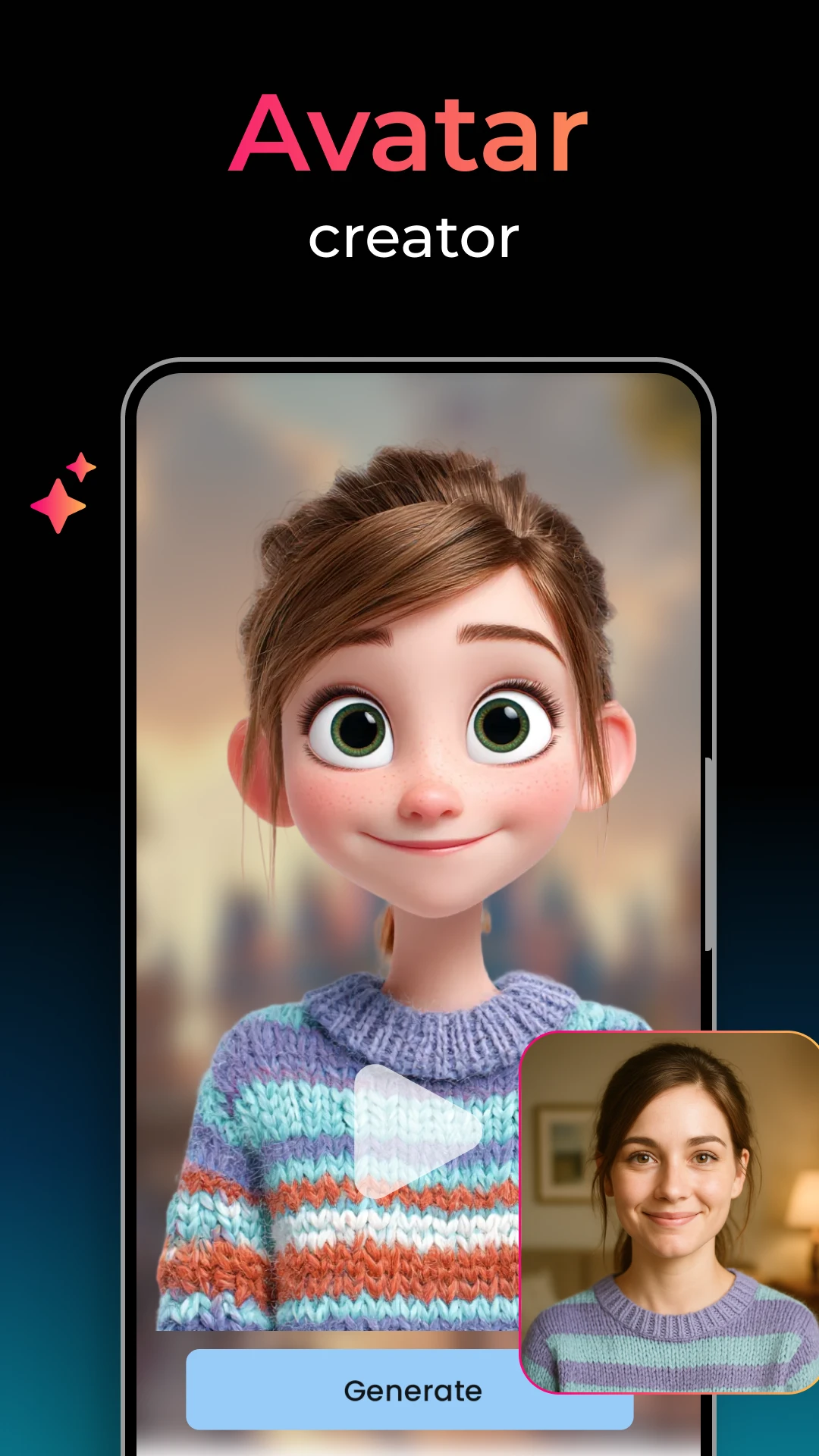
Official promotional images from Google Play
03 / The app behind the idea
Big imagination.
Clips AIAI Video Generator
Big imagination.
Pocket-sized.
A written idea. A photo from your camera roll. Take your starting point into Clips AI and explore a different way to tell the story.
Get it on Google PlayAvailable for Android on Google Play.
Ads and in-app purchases. Check current options in the app.
01What can I create with Clips AI?
The app offers text-to-video and image-to-video creation. Start with a written idea or bring a photo into motion. The available tools and options are shown inside the app.
02Are these scenes actual app results?
The collection on this website is original concept artwork created for inspiration, not video or output made with Clips AI. The separately labeled Google Play images come from the app listing. Results in the app can vary.
03Is there a cost to use the app?
Google Play lists ads and in-app purchases. Check the app and the purchase screen for current prices, available plans and usage limits before paying. This website does not sell a plan or process payments.
04Where do I manage purchases or request a refund?
For a Google Play subscription, use the subscription controls in your Google account. Uninstalling an app does not cancel a subscription. Refund eligibility depends on Google Play policies and applicable law; the help page links to the official guidance.
05How do I ask about account or data deletion?
Check the app's settings for any available privacy or account controls. For a deletion request or a question about your data, contact the app's support team using the address below and consult its privacy policy. This website cannot delete app data or promise a specific in-app deletion option.
06What should I keep in mind before sharing?
Use photos and ideas you have the right to use, and get permission from anyone depicted. Review AI results before sharing. Do not use generated content to impersonate, mislead or harm someone.
You bring the imagination.Your idea.
Get Clips AI on Google Play